3.1 - Analysis Onboarding
Before conducting analysis you must select your site and create surveys to view the ground truth data and complete the specific analysis required.
3.1.1 - Initial Navigation:
-
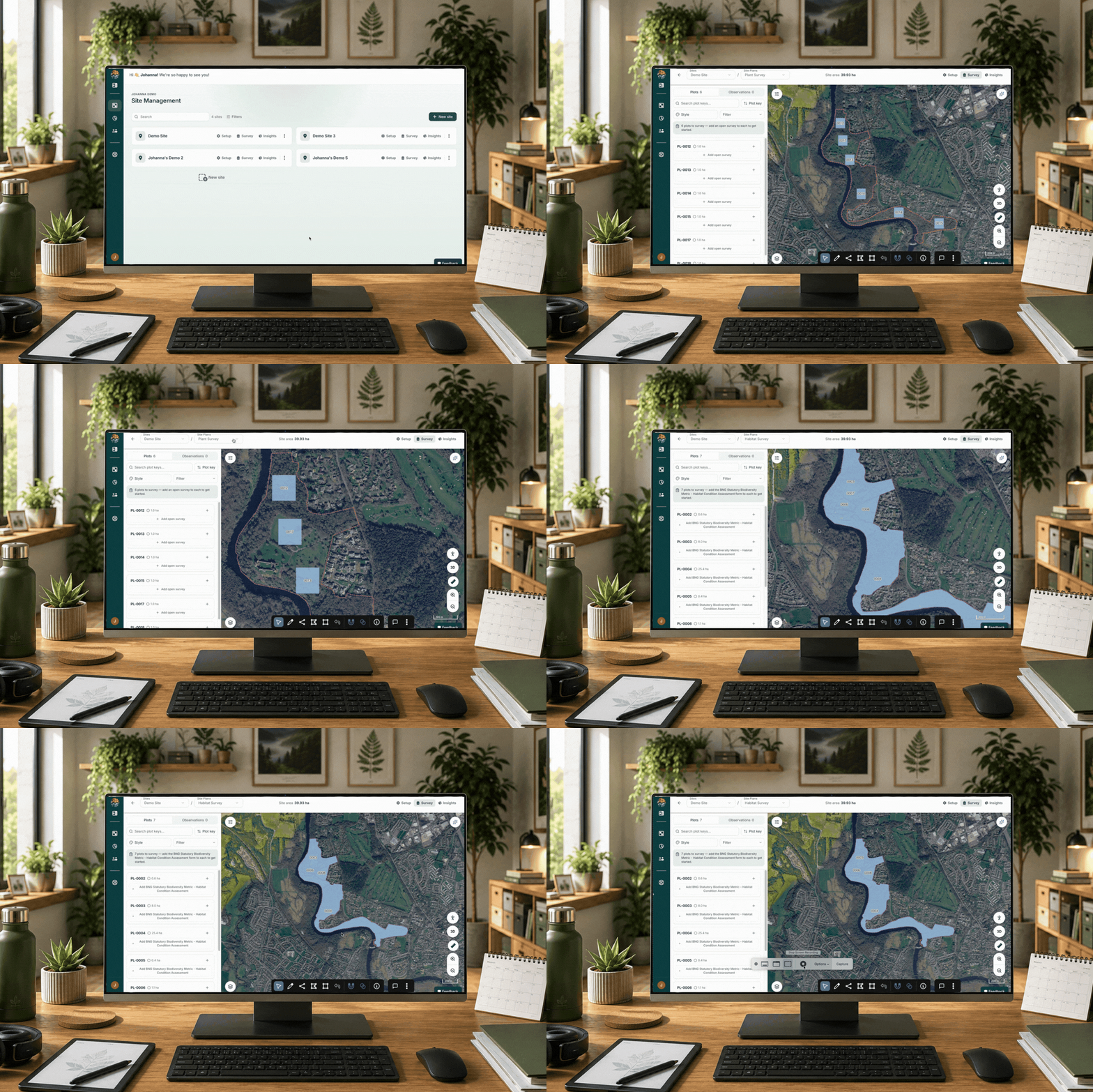
Site Selection: Select your Site or asset from the main dashboard, and click the survey button to enter the analysis portal.
-
Plan Selection: Select your Plan from the drop down menu on the top left (e.g. Habitat 2026 / Plants 2026).
Note: Analysis workflows vary depending on the plan type and survey objectives. Ensure you have the correct plan selected before beginning.
3.1.2 - Creating Surveys
Before data can be analysed, you must create the surveys for each map feature.
-
Date Alignment: Survey dates must fall within the date range that the field data was collected via the Mozaic Earth app; otherwise, the data will not be viewable.
- Plant Surveys: For plant-specific plans, you must create two survey periods to account for both early and late-season flowering data.
-
Bulk Create: To save time, use the Bulk Create Surveys button on the left of the screen. You can either:
-
Select the sampling period that was set up in the collection menu.
-
Select custom dates
-

How to select a plan and bulk generate surveys