2.2 - Missions
A mission is a selection of checkpoints grouped together, usually by area or survey type. They'll help you manage your workload in the field, in more manageable chunks.
2.2.1: Your Missions
Click the View Missions button at the top of the screen to see all available missions:
-
Your name next to it: assigned to you.
-
“Assigned”: assigned to someone else.
-
“Open”: not assigned to anyone, up for grabs.
Tap a mission from the list to highlight its checkpoints on the map, and fade out the checkpoints outside that mission, so you know what to focus on.
💡 Pro Tips: Each assignment is colour-coded by checkpoint on the map, so it's easy to see who's covering what. Once a checkpoint's complete, it's marked with a green tick, to help avoid duplicated work between collectors.
💡 Focus mode: Want to remove other checkpoints from view entirely? Toggle on focus mode to show only your mission's checkpoints.
2.3.2 - Progress Tracking\
Progress Bar: A live bar shows the percentage of data collection completed for the current site or mission.
Detailed View: Use the button in the top right corner to see a breakdown of progress by assignment, task, or individual checkpoint.
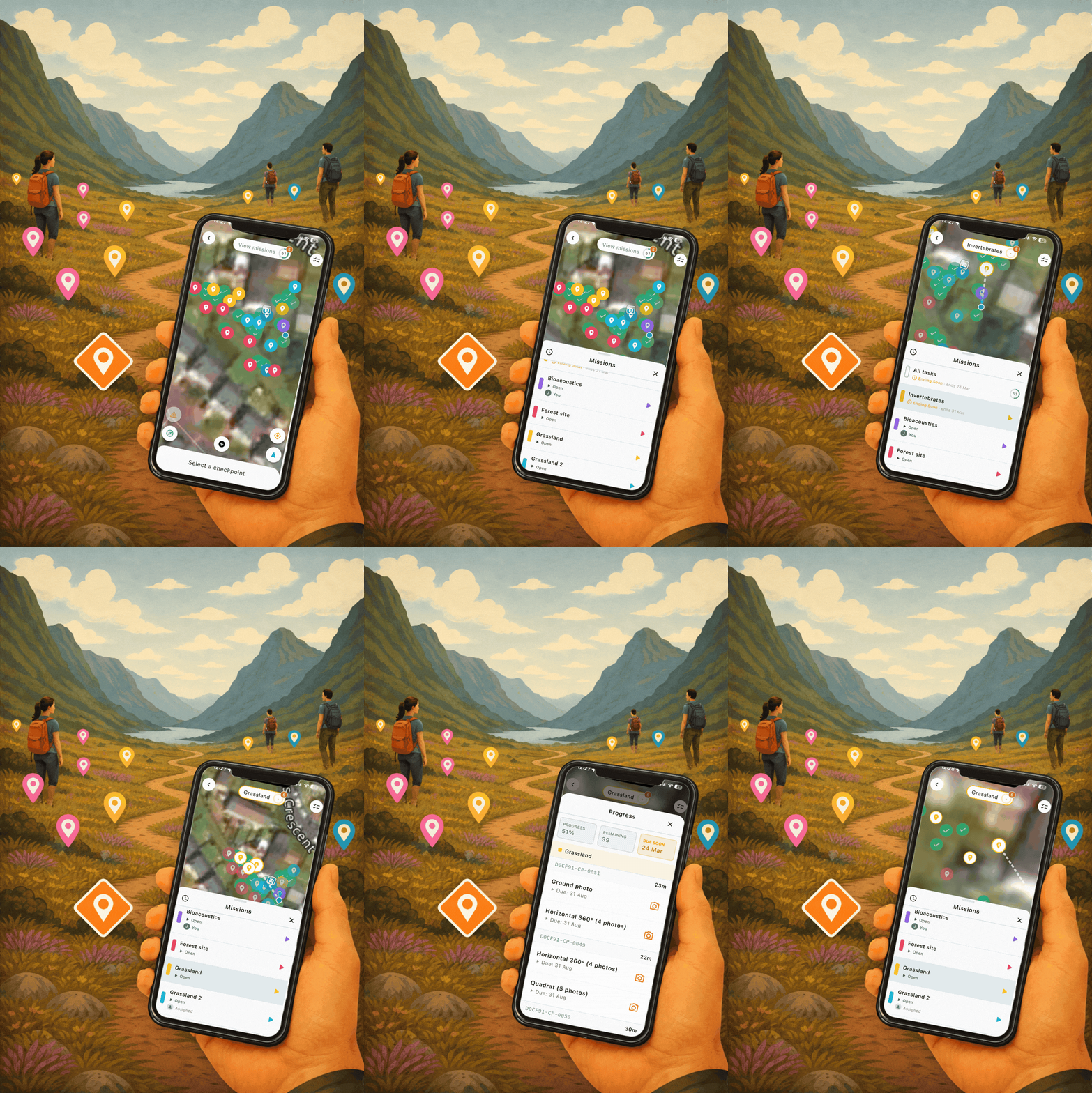
Example of missions grouped by plan and assigned to users or left open on the Mozaic Earth App