2.4 - Data Upload
It's important to upload your data as soon as you can, so the analysis phase can begin.
-
Auto-sync: Once you're connected to Wi-Fi (back at the office or at home), your images start uploading automatically. Uploads only work over Wi-Fi, not mobile data.
-
Go to the Uploads tab to check on progress, or to start it manually.
💡 Pro tip: Leave your phone open on the uploads screen while you get on with something else, your images will keep uploading in the background without you needing to do anything.
-
Look for the success message: “All files have been uploaded.”
-
Running into issues? Try refreshing your session, or message us for help.
⚠️ Important: One golden rule: never delete the app if you've collected data and haven't uploaded it yet, you'll lose it for good.
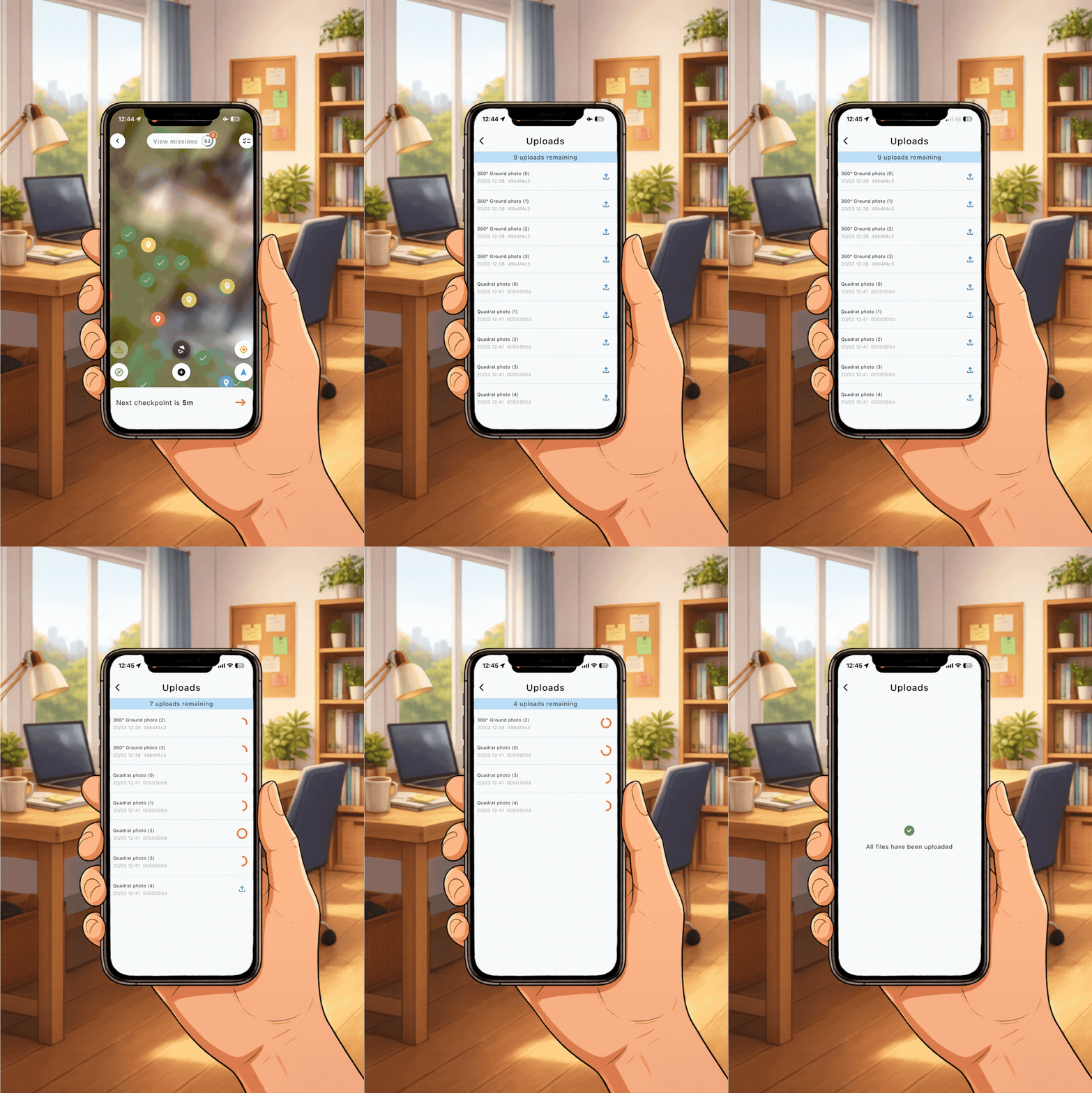
How to upload data (connected to wifi) after a day of fieldwork